Modern Editor

Simple Mode

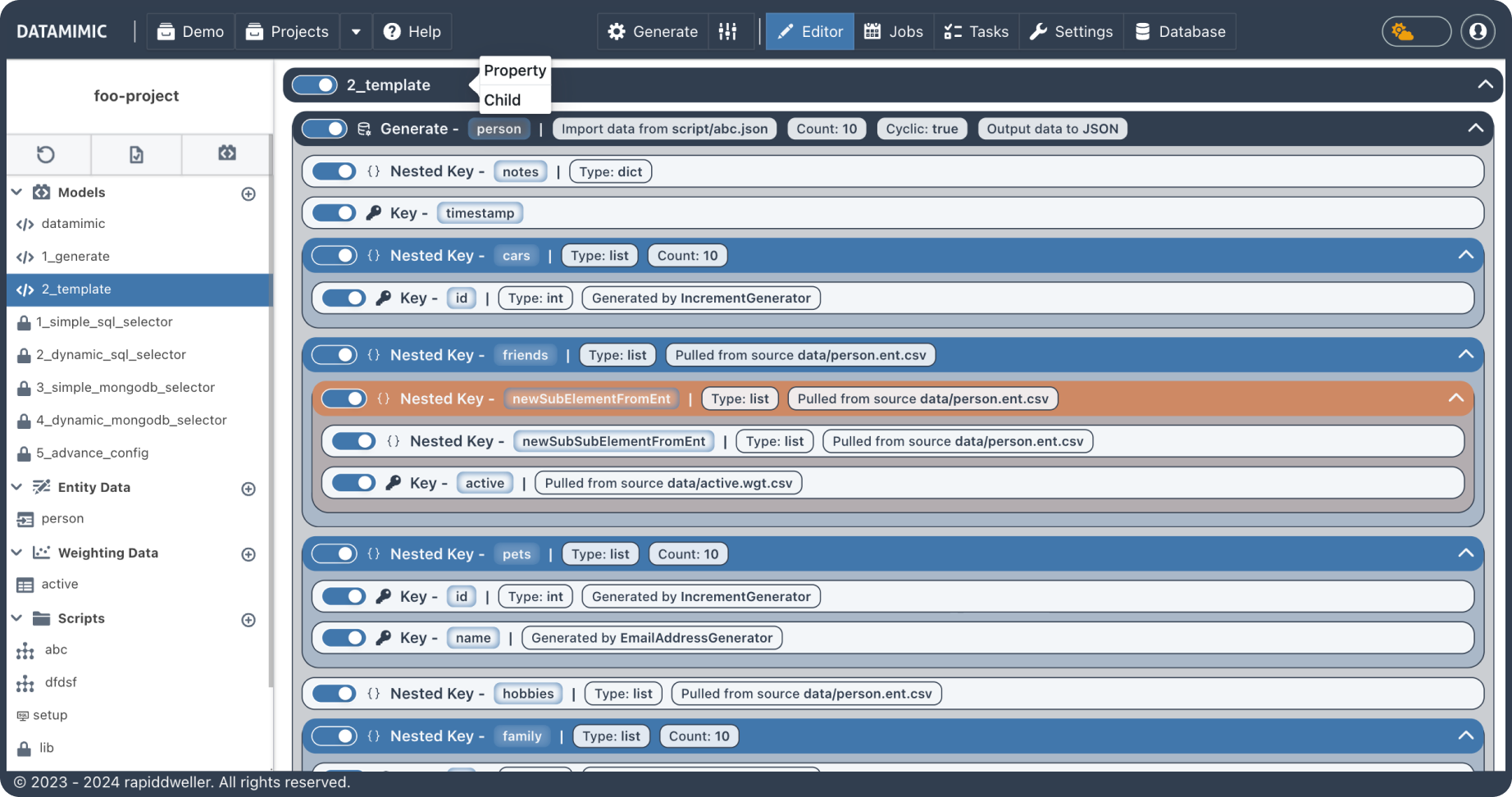
Simple Mode provides an intuitive, code-free interface for managing data projects with ease. Users can add child elements or properties using a straightforward dropdown menu accessed by clicking the + icon next to an element. Elements can be rearranged through drag-and-drop, and managed with features like the Delete Button for removal and the Disable/Enable Toggle to control element interaction. This mode ensures a user-friendly experience, streamlining project organization and customization without the need for manual codi

Syntax

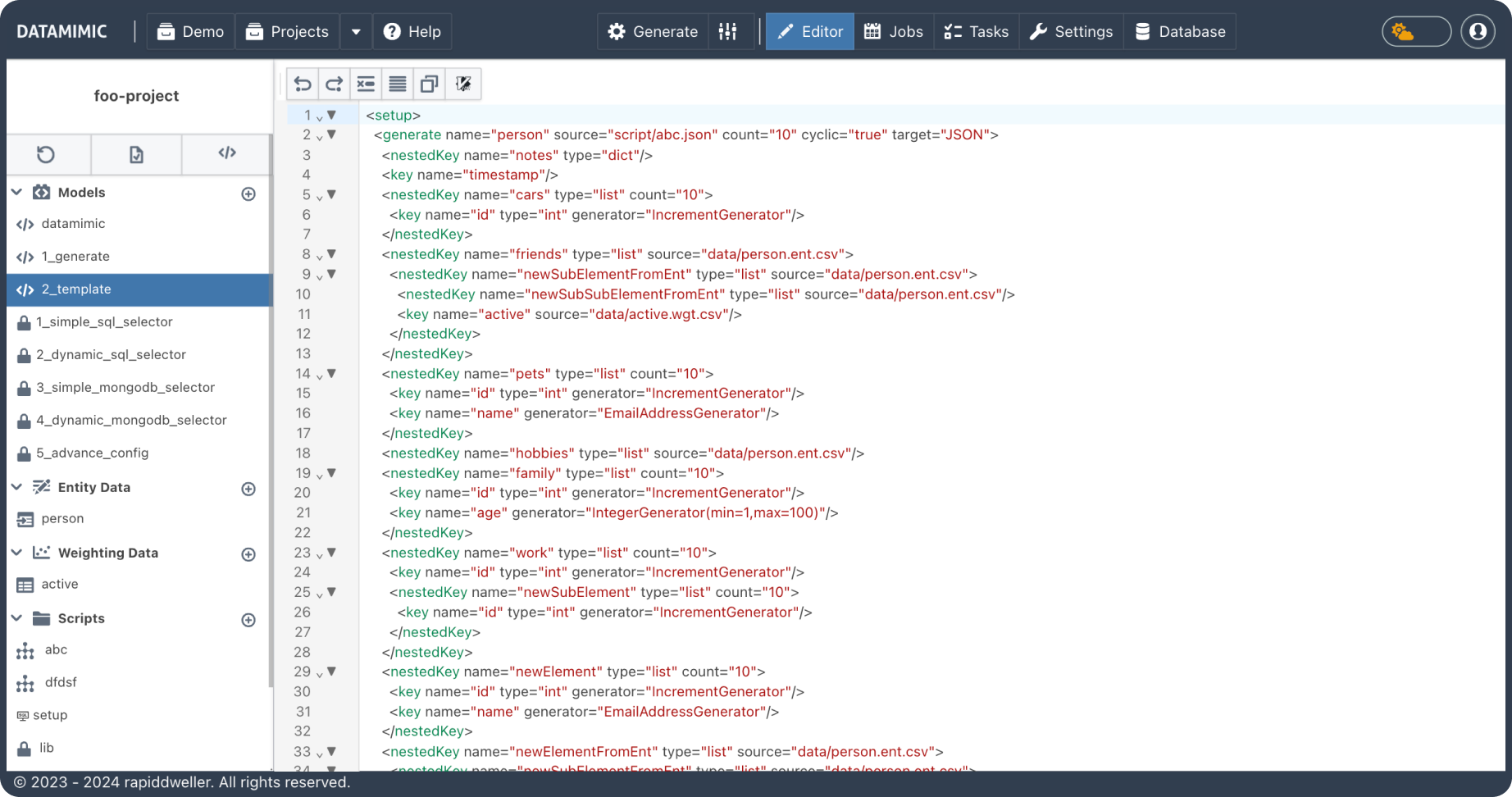
DATAMIMIC UI (User Interface) guides you best to create your DATAMIMIC modes for data processing. With syntax support, it is a straightforward and simple process to annotate the powerful XML-based models that DATAMIMIC turns into realistic sets of data for any use case – test data editing made easy.

Language Support

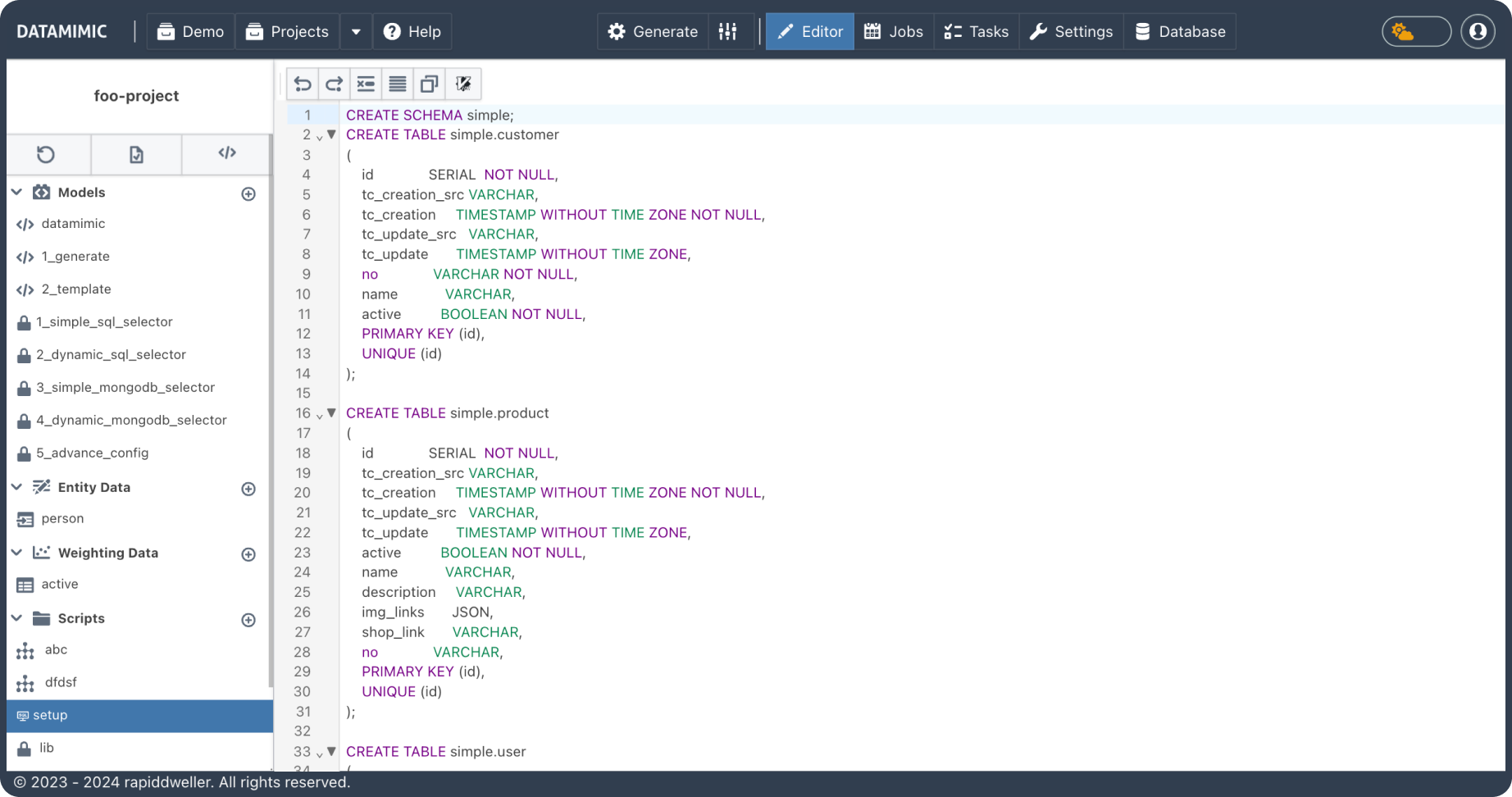
Benefit of syntax highlighting for multiple languages that are supported by DATAMIMIC. Simply re-use your programming code for individual processing of your data: there is no problem with using your individual encryption or decryption algorithms when generating data (e.g. for handling credit card records).

Editor Features

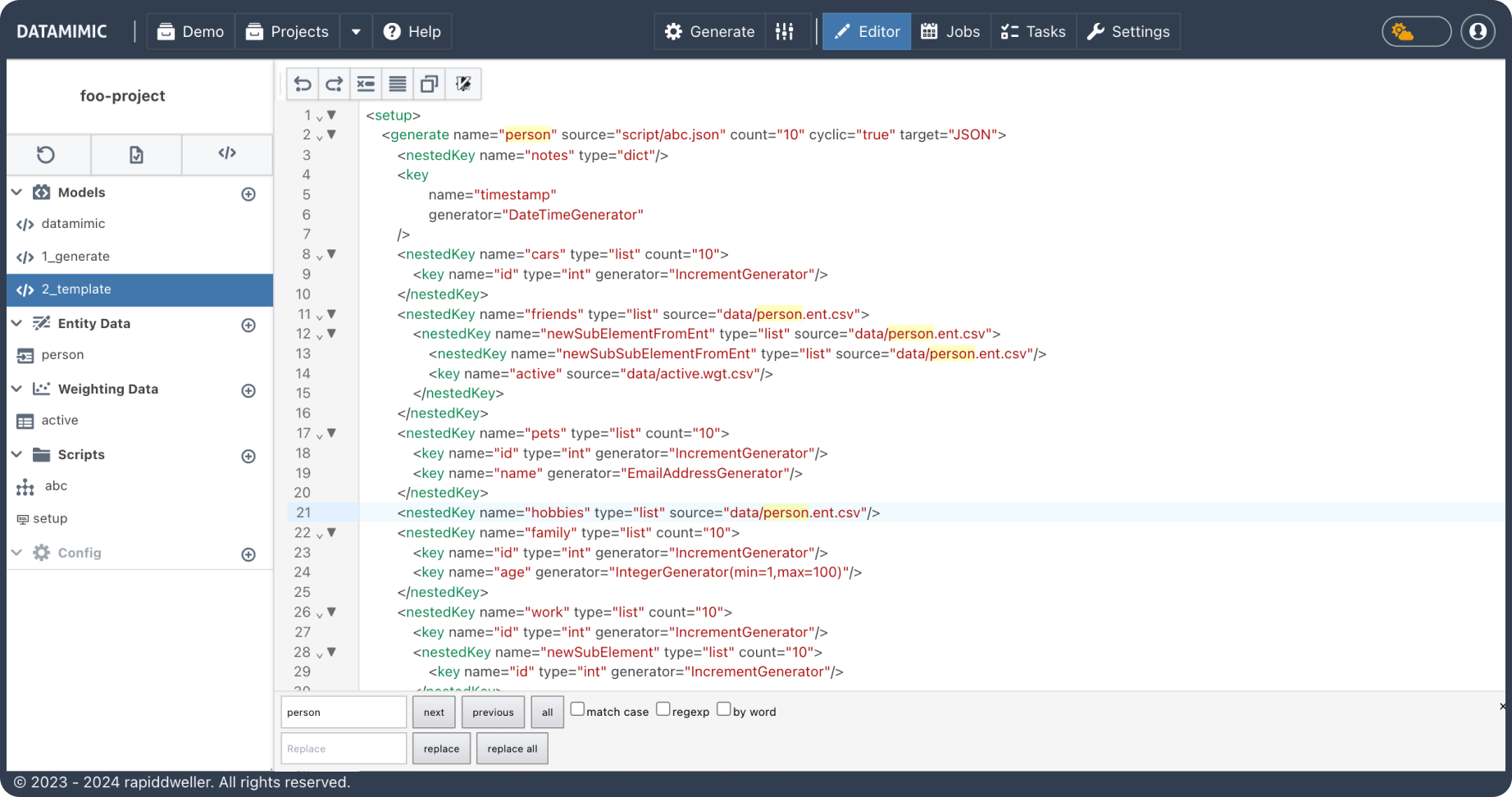
Perform search and replace operations like in your favourite editor.

Efficient File Control

DATAMIMIC optimizes software testing by producing complex JSON files tailored for applications that store data in MongoDB. Simply upload your JSON schema, and use our built-in generators, custom scripts, and variables in the DATAMIMIC JSON template for replication. This allows for precise control over complex hierarchies and nesting, ideal for robust and scalable test scenarios.